– If you haven’t already claimed your existing listing follow these instructions first.
– If you haven’t created an account and a listing yet, start here.
– First login using your account details you signed up with.
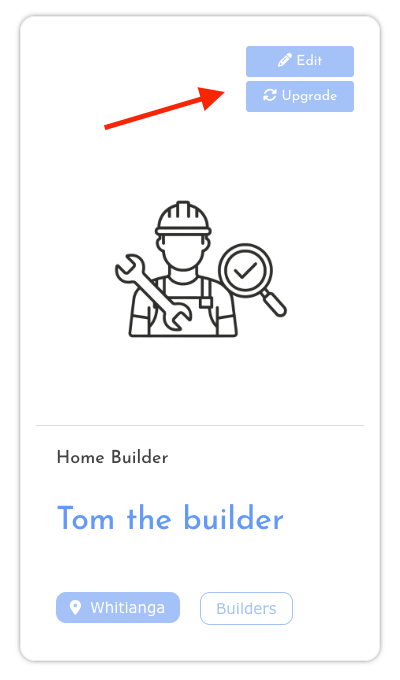
– Locate your listing in your account page or within the search results.
– At the top of your listing card you will see an “Upgrade” button.
– Click the “Upgrade” button and select “Premium Listing” under pricing plan.
– You can add your additional details before or after going through the checkout process.
– To edit your listing and add the new details after checkout, just follow the same process but click the “edit” button on your listing card.